

Sunsets are one of the most beautiful moments to photograph.
The sky turns golden, the clouds glow, and the whole scene feels warm and magical. Naturally, many photographers rush to capture it.
But here’s something many people don’t realise.
Your camera might actually be removing those beautiful sunset colours.
And the reason is something most photographers leave on all the time: Auto White Balance.
Let’s talk about why this happens — and how you can avoid it.
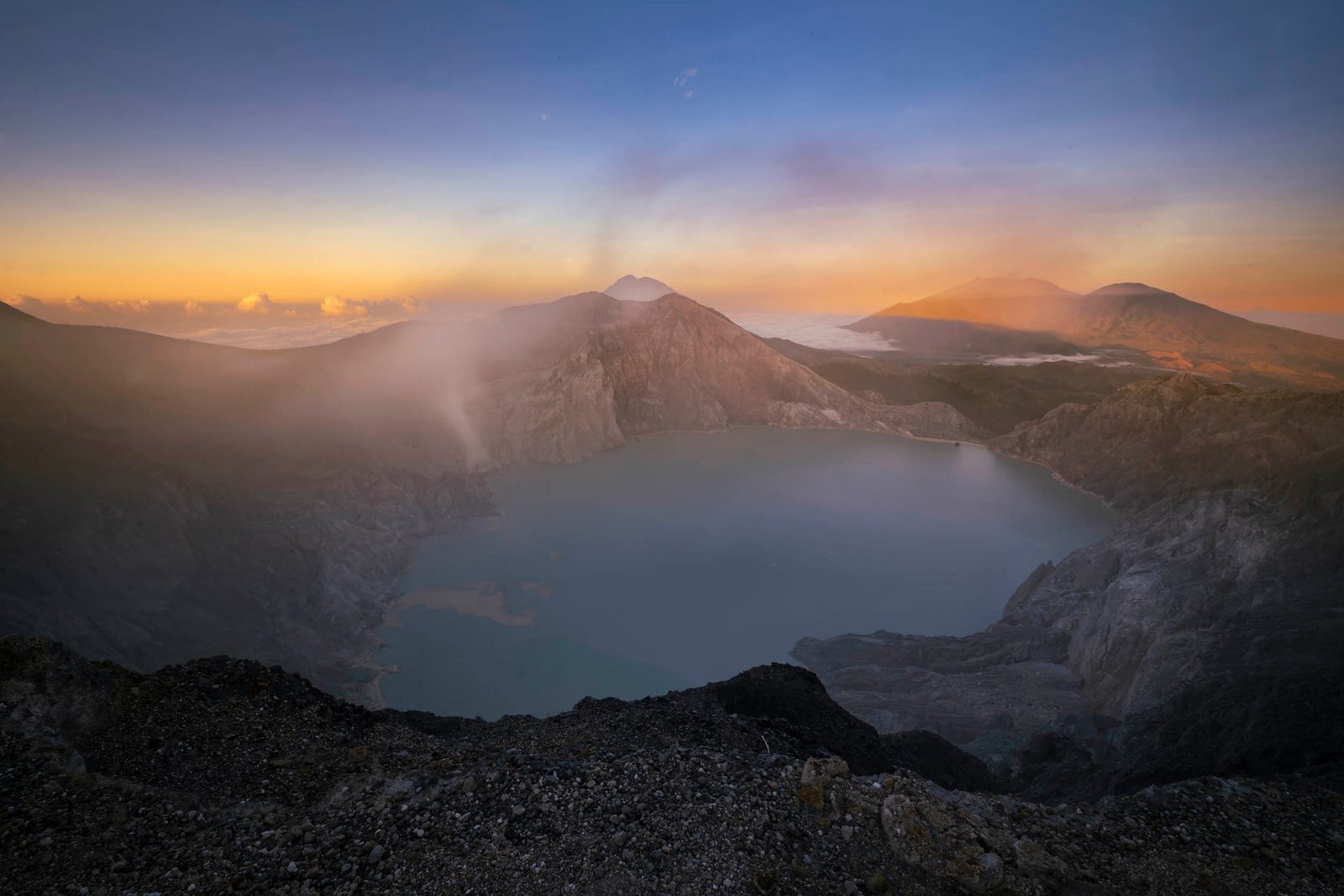
What Auto White Balance Is Trying to Do
Auto White Balance (AWB) is designed to make colours look neutral and natural.
Your camera analyses the scene and tries to answer this question:
“What colour should white look like in this light?”
If the camera thinks the scene looks too warm (too yellow or orange), it will automatically cool the image down.
Most of the time, this works very well.
Indoor lighting, cloudy days, mixed lighting — Auto White Balance usually does a good job of correcting colours.
But sunsets are a different story.
The Problem With Sunsets
A sunset scene is supposed to be warm.
That golden light is exactly what makes sunset photography so beautiful.
But Auto White Balance doesn’t understand that you’re trying to capture a warm mood.
Instead, it often thinks:
“This photo looks too orange. Let me fix that.”
So the camera reduces the warmth.
The result?
Your sunset may look less golden and less dramatic than what you saw with your eyes.
Sometimes the difference is subtle, but sometimes it completely changes the feeling of the photo.
Why This Happens
Your camera is programmed to assume that most scenes should have neutral colours.
In normal situations, that’s helpful.
But sunsets are not neutral.
They are naturally:
-
warm
-
golden
-
sometimes even deep orange or red
When Auto White Balance tries to “correct” this warmth, it removes the very colours that make the scene special.
A Simple Way to Keep the Sunset Colours
One easy trick is to switch from Auto White Balance to Kelvin white balance.
For sunset photography, try setting your white balance somewhere around:
6000K – 7500K
This keeps the warmth in the scene and helps preserve that golden glow.
The exact number isn’t critical. The idea is simply to stop the camera from neutralising the light.
What If You Shoot RAW?
If you shoot in RAW, you have a lot more flexibility.
White balance can be adjusted later in editing without damaging the image.
Because of this, many photographers leave their camera on Auto White Balance and correct it later.
That approach works perfectly well.
However, setting the white balance manually can still be helpful because:
-
you see the colours more accurately on the camera screen
-
the mood of the image is clearer while shooting
-
your photos stay more consistent
A Small Experiment You Can Try
Next time you photograph a sunset, try this.
Take three shots of the same scene:
-
Auto White Balance
-
5500K
-
7000K
When you compare the images later, you’ll probably notice that the warmer settings capture the feeling of the sunset much better.
It’s a simple trick, but it can make a surprising difference.
Photography Is About Feeling
At the end of the day, photography is not just about technical settings.
It’s about capturing the feeling of a moment.
Sunsets are warm, peaceful, and emotional.
If your camera settings remove that warmth, the photo may lose the atmosphere you experienced.
So sometimes, the best thing to do is simply tell the camera to stop correcting the light.
Let the sunset stay warm.
