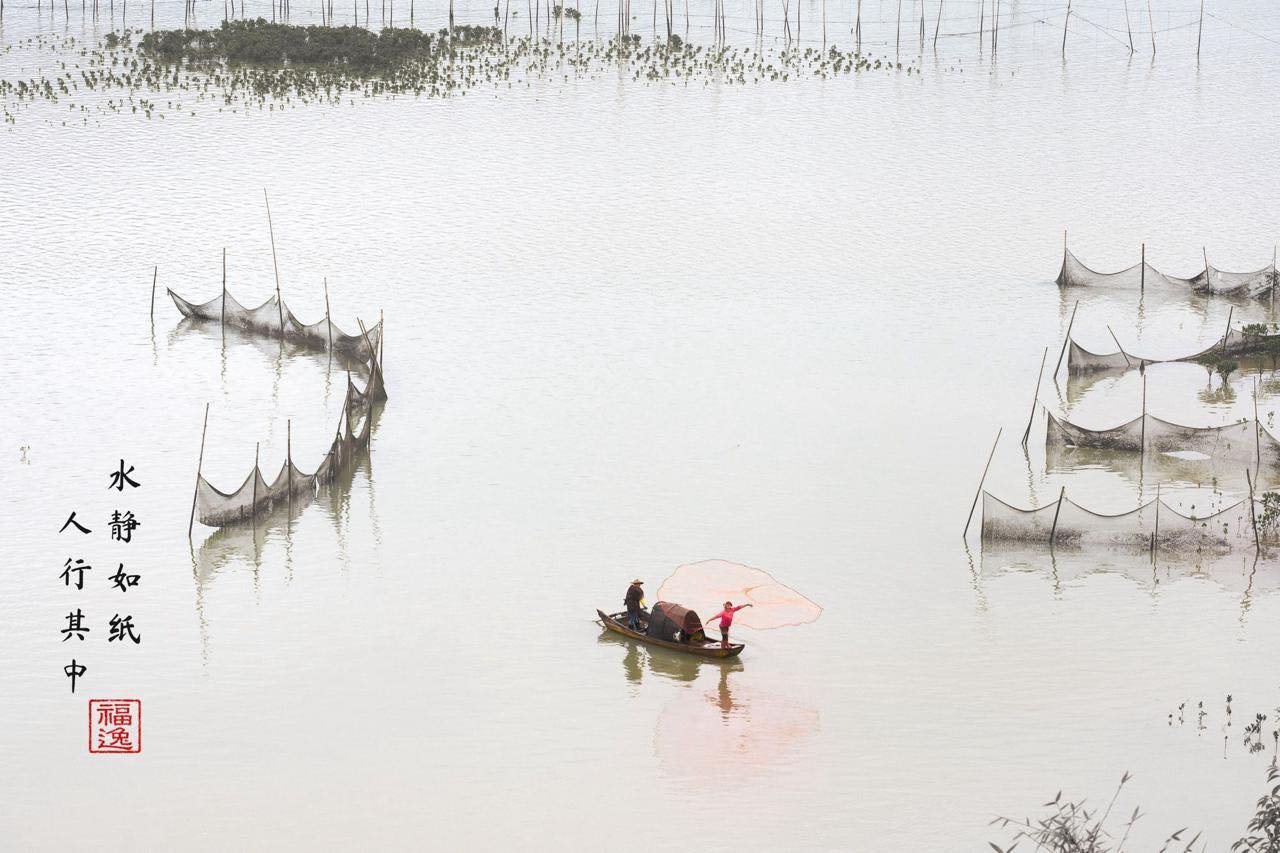
I’ve just returned from Xiapu with a wonderful group of photographer friends. It was one of those trips where everything came together beautifully. Great company, amazing food, comfortable hotels, and most importantly, unforgettable shooting conditions.
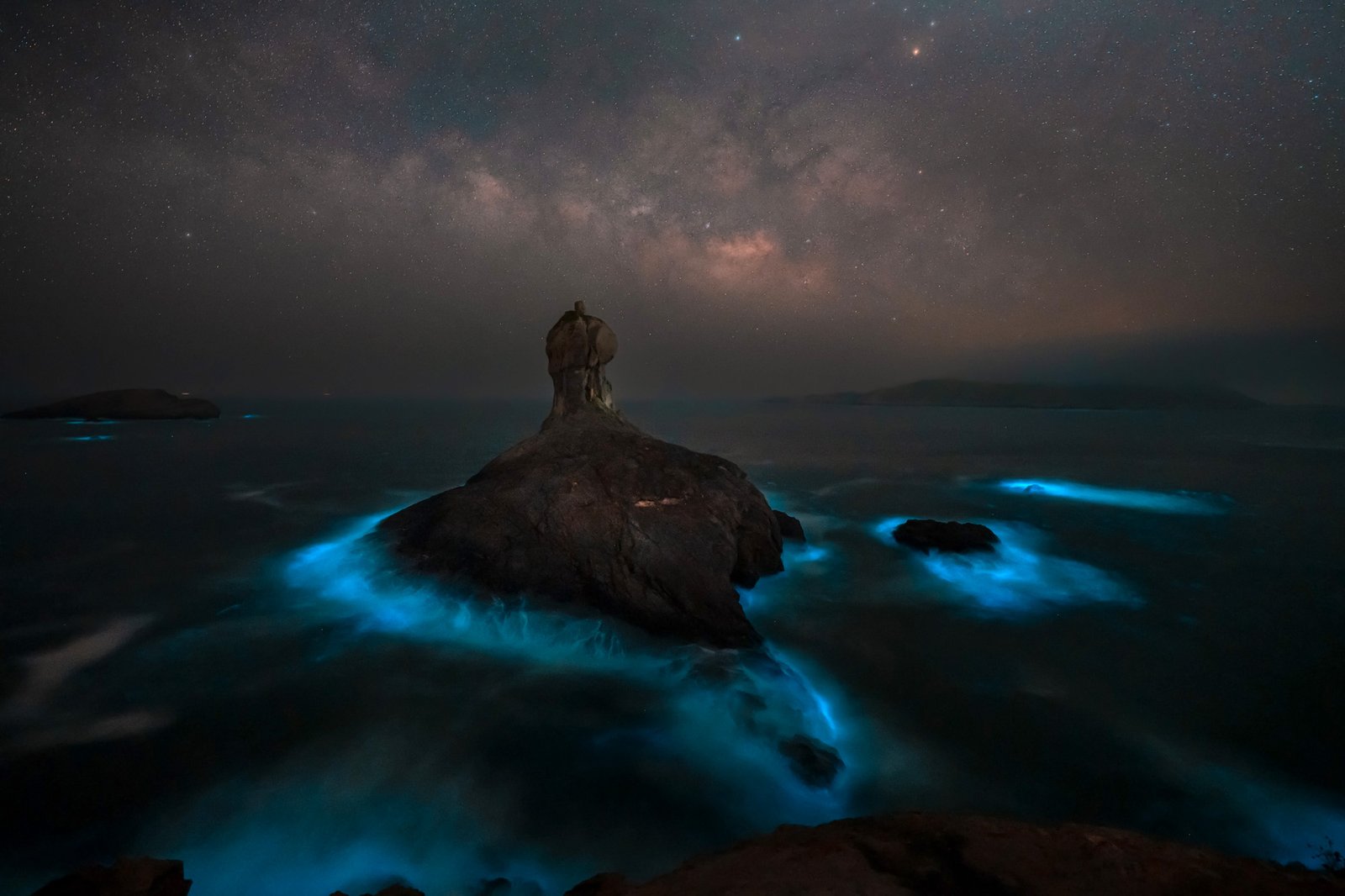
One of the highlights was photographing the blue tears together with the Milky Way at Taisan Island. Standing there under the night sky while the shoreline glowed blue felt almost unreal. We came home with many images we’re truly proud of.
But almost every trip ends with a similar question from participants once they start editing their photos back home.
“Why does my picture look different on my phone, laptop, or Instagram?”
It is something many photographers experience without realising the real cause.
As photographers, we spend thousands chasing beautiful light. Yet many of us edit on screens we cannot fully trust.
This week’s blog is about something many photographers overlook.
Monitor colour calibration.
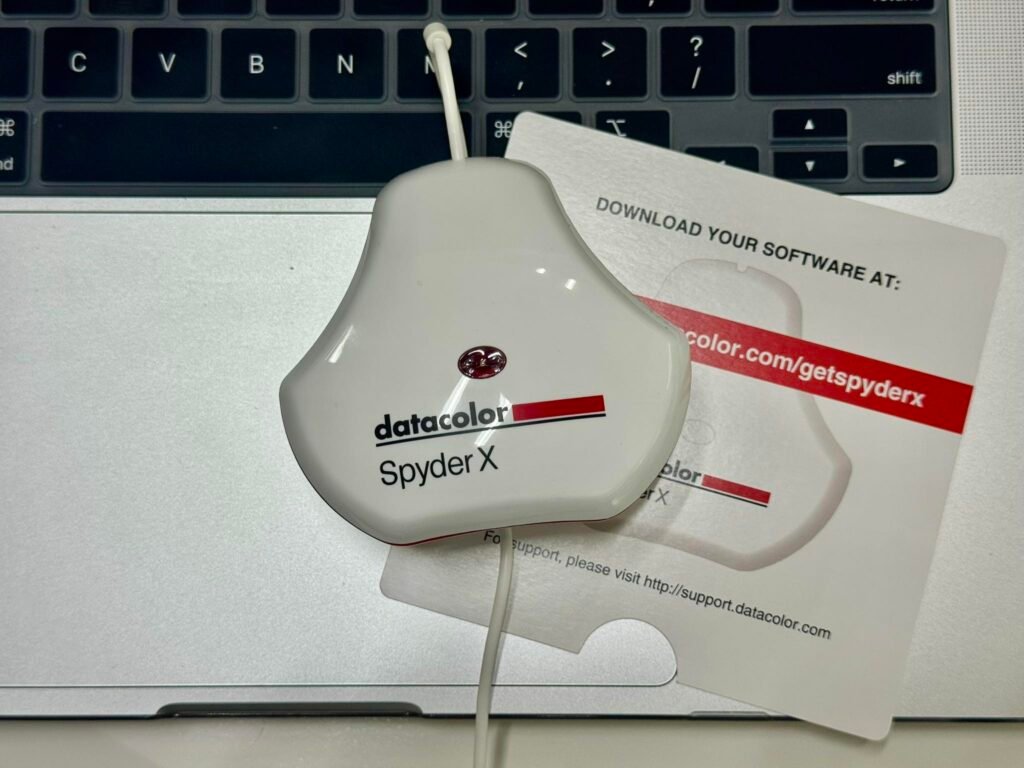
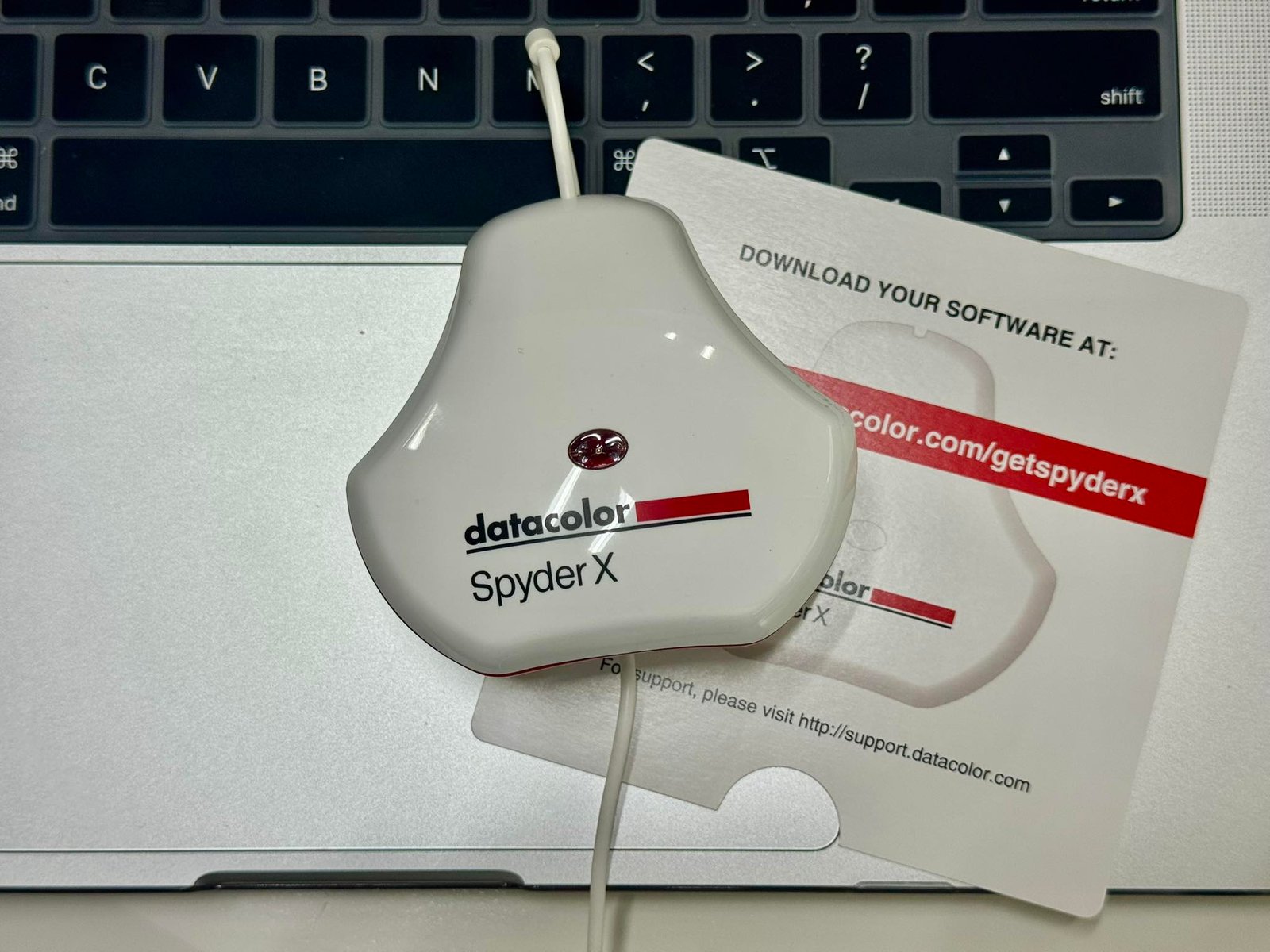
For years, I believed my MacBook Retina display was accurate enough. Only after properly calibrating my screen recently with the SpyderX Pro did I realise how much my display had drifted over time.
In this article, I share:
- why colour calibration matters
- how it affects editing and printing
- common mistakes photographers make
- simple ways to improve your display even without a calibration tool
The Biggest Myth About Mac Displays
Mac displays are excellent.
But excellent does not mean calibrated.
That is where many photographers get confused.
Out of the box, most modern screens already look good. Bright. Vibrant. Sharp. Especially Apple displays. But good-looking colour is not the same as accurate colour.
Every monitor drifts over time.
Brightness changes. White balance shifts. Contrast slowly moves. Even the lighting in your room affects how you perceive colours while editing.
And once your display becomes inaccurate, every editing decision starts drifting too.
You may unknowingly:
- edit too warm
- oversaturate colours
- crush shadows
- brighten images too much
- create prints that come out darker than expected
The scary part is you usually do not notice it.
Your eyes adapt.
What Changed After Using the SpyderX Pro
I recently bought the SpyderX Pro.
Honestly, I expected only a small difference.
Instead, I was surprised how much calmer and more balanced my screen suddenly felt.
Not more colourful. Not more dramatic.
Just… believable.
The biggest shock came after calibration finished and the software showed the before and after comparison. I realised I had been editing slightly too warm for years.
No wonder my photos looked inconsistent across devices.
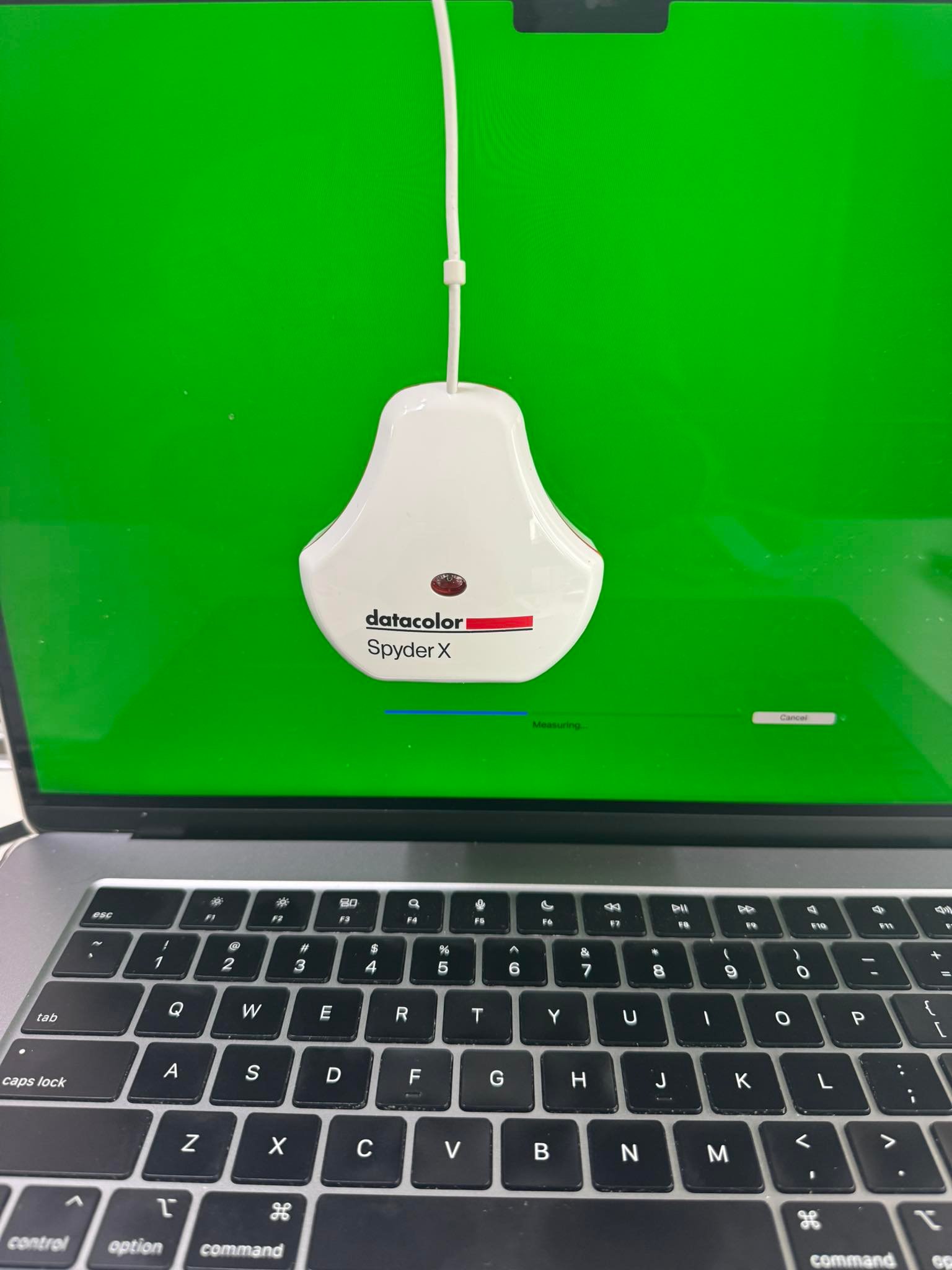
The calibration process itself was simple.
You place the device on your monitor. The software measures your display scientifically instead of relying on your eyes. A custom colour profile is then created specifically for your screen.
The whole thing took only a few minutes.
But the effect on my workflow was immediate.
Why Colour Calibration Matters for Photographers
Most photographers think calibration is only for professionals or print studios.
I used to think that too.
But if you edit photos seriously, calibration affects almost everything you do.
Your Edits Become More Consistent
This is the biggest benefit.
When your monitor is calibrated properly, your images look much more consistent across phones, tablets, laptops, websites, and social media platforms.
No more nasty surprises after uploading.
Your Prints Match Better
Many photographers edit on displays that are far too bright.
The result?
Prints come back darker and muddier than expected.
Calibration helps bring your screen closer to real-world brightness, which improves print accuracy massively.
You Stop Second Guessing Colours
Ever spent twenty minutes adjusting white balance back and forth?
That usually means you do not trust your display.
Accurate colour removes doubt from the editing process.
Subtle Colours Become Easier to Edit
Landscape photographers will understand this immediately.
Blue hour tones. Sunrise warmth. Milky Way colours. Storm clouds. Soft reflections.
These colours are delicate.
A slightly inaccurate monitor can completely change the mood of the image.
The Problem With Editing Too Bright
Most screens today are ridiculously bright.
Especially laptops.
Manufacturers make displays bright because bright screens look impressive in stores. But editing at maximum brightness creates a huge problem.
You compensate without realising it.
You darken shadows too much.
You underexpose edits.
You create prints that feel flat.
One of the best things calibration did for me was simply lowering my screen brightness to a more realistic level.
My eyes actually felt less tired after long editing sessions too.
What If You Do Not Own a Calibration Tool Yet
A proper calibration device is still the best solution.
But if you do not own one yet, there are still ways to improve your editing environment.
Turn Off True Tone and Night Shift
These features constantly change colour temperature automatically.
Nice for watching Netflix.
Terrible for editing photos.
Reduce Your Screen Brightness
Most photographers edit too bright.
Try lowering brightness to around halfway, especially at night.
Edit Under Neutral Lighting
Warm room lighting affects how your eyes perceive colour.
Even a yellow table lamp can trick your brain while editing.
Compare Across Multiple Devices
Before posting important work, check the image on at least two or three devices.
You are not chasing perfection here. Just consistency.
Use Reference Images
Keep a few professionally edited photos nearby as visual references.
It helps train your eye over time.
Calibration Will Not Make You More Creative
But it does something equally important.
It makes your creativity more accurate.
You start making editing decisions based on reality instead of guesswork.
And once you experience a properly calibrated display, it becomes very difficult to go back.
Funny enough, after all the cameras, lenses, filters, drones, and workshops we invest in, one of the most important upgrades might simply be trusting the screen in front of us.
Especially after coming home with images you truly care about. Like those quiet blue tear nights in Xiapu beneath the Milky Way. Those moments deserve to be edited the way they were actually felt.